


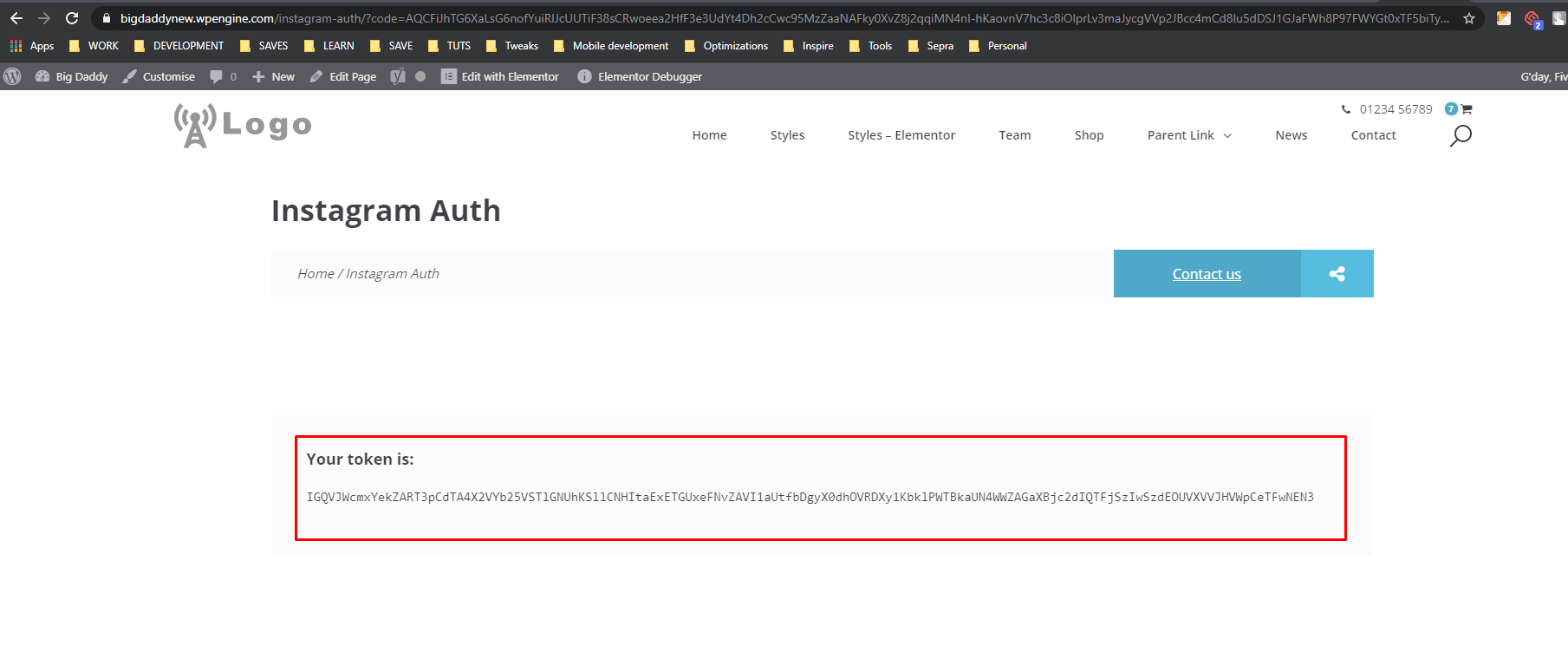
- for easier copy and transfer
- Initial Access Token will now be set in the backend
/wp-admin/admin.php?page=5×5-tools&tab=instagram
- Added auto delete of old posts, will trigger on refresh feed ( if total posts > limit

- Plugin will do the ff:
– create “ff_instagram_feed” post type
– cron for refresh token(weekly), refresh feed(twice daily) > You can get the feed/items in your code with FF_Instagram::get_items
1st parameter = number of items, 2nd parameter = image size(defined by add_image_size)


